
 Milky Way One
Your night sky, finished in one click.
David Magro's editor for astrophotography. One click finishes any night scene. Ten guided steps show you why, and every one stays editable.
 Original
Concept preview on David's finished photo. Real app screens arrive at launch.
Eight apps in one. And it teaches you.
Everything you would normally juggle across separate apps, in one place. Every part is guided, so each night out makes you better.
One click. Any astro scene.
Lighthouses, structures, seascapes and panoramas. Press once for a finished image that's ready to share, or ready for you to make your own.
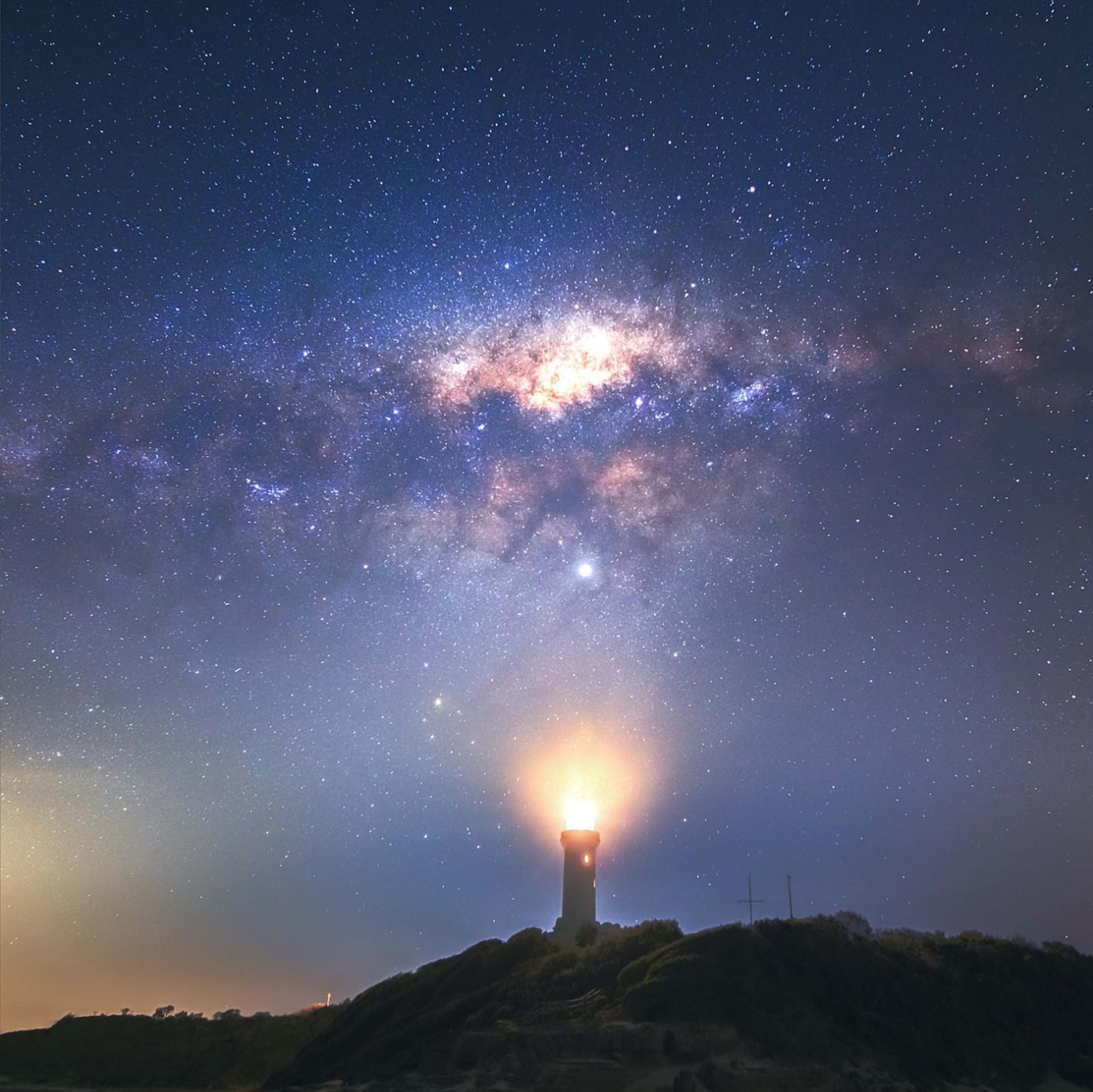
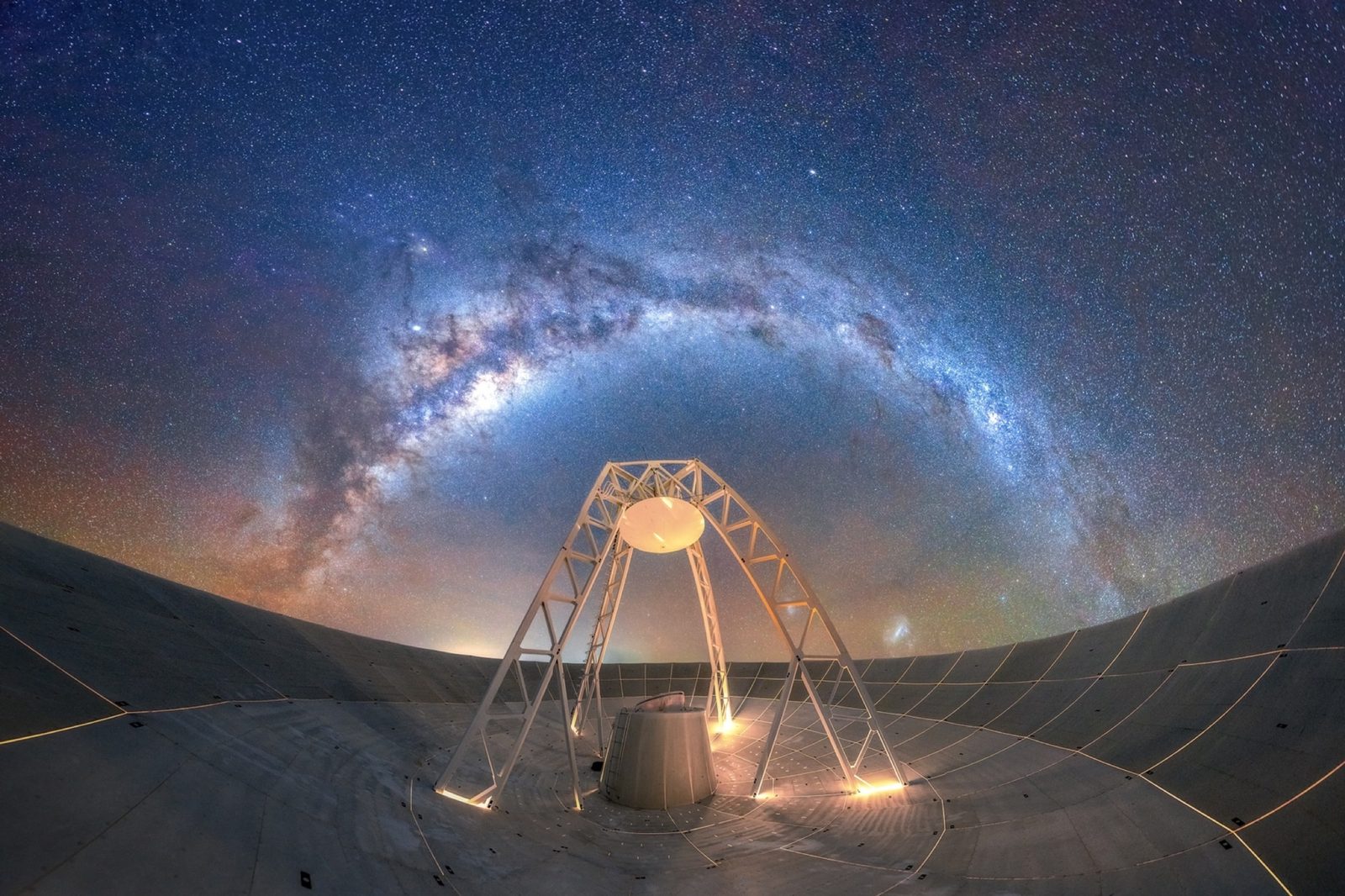
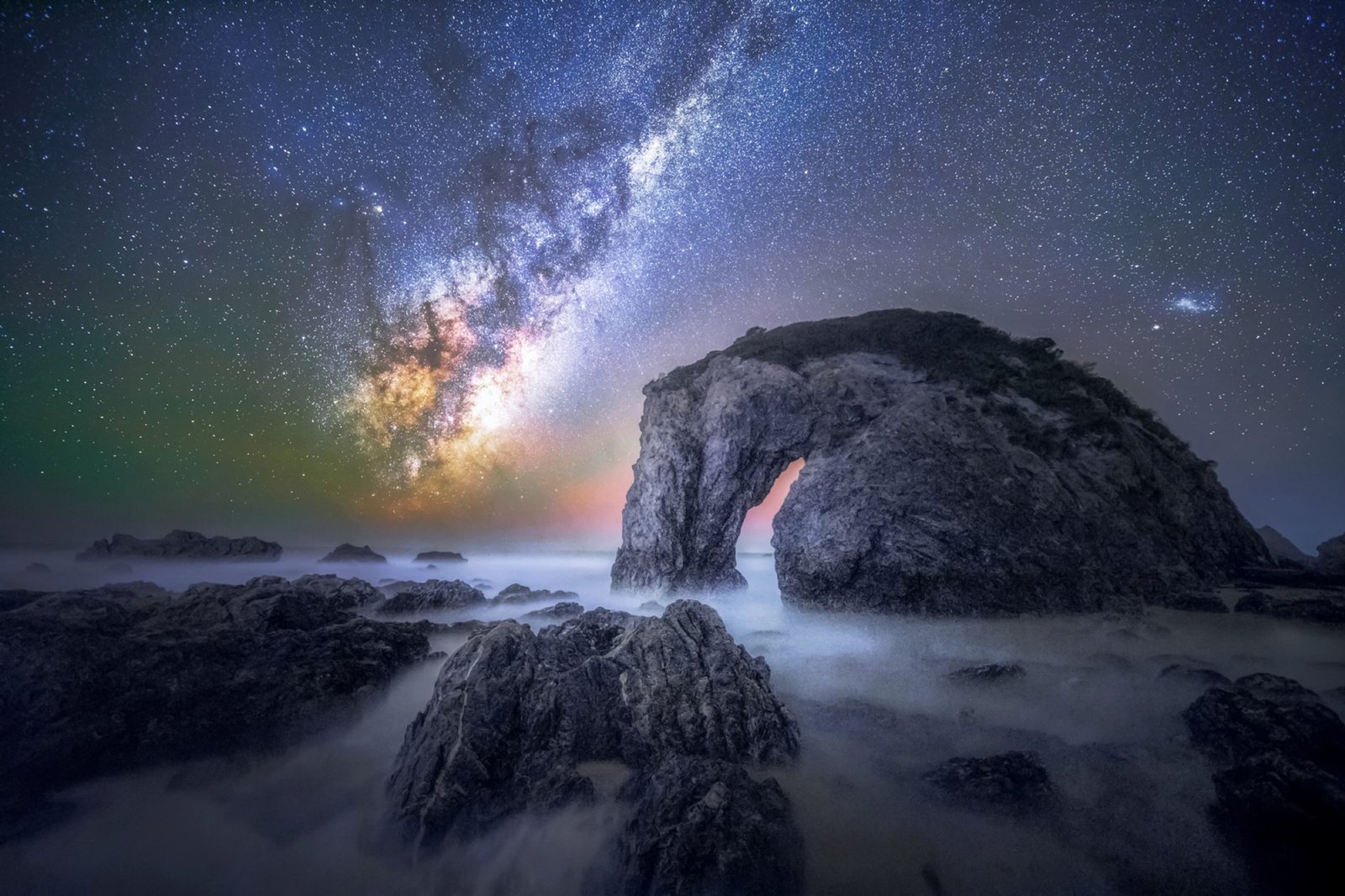
Before views are simulated from David's finished photos.
Ten steps. It teaches as you go.
The steps run in the order a night sky needs. Each one tells you what it does and why. Jump back to any of them, any time. Nothing is baked in.
 Every step stays editable
Get the overall brightness right before you touch colour. Everything after builds on it.
The sky gets the sky edit. The land gets the land edit.
Sky
Foreground
Sky and land, handled separately.
Milky Way One finds the horizon for you, so the stars and the foreground each get what they need.
 OriginalEdited
Compare in one tap.
Flip back to the original at any moment and see exactly what changed. Drag, or hold the button.
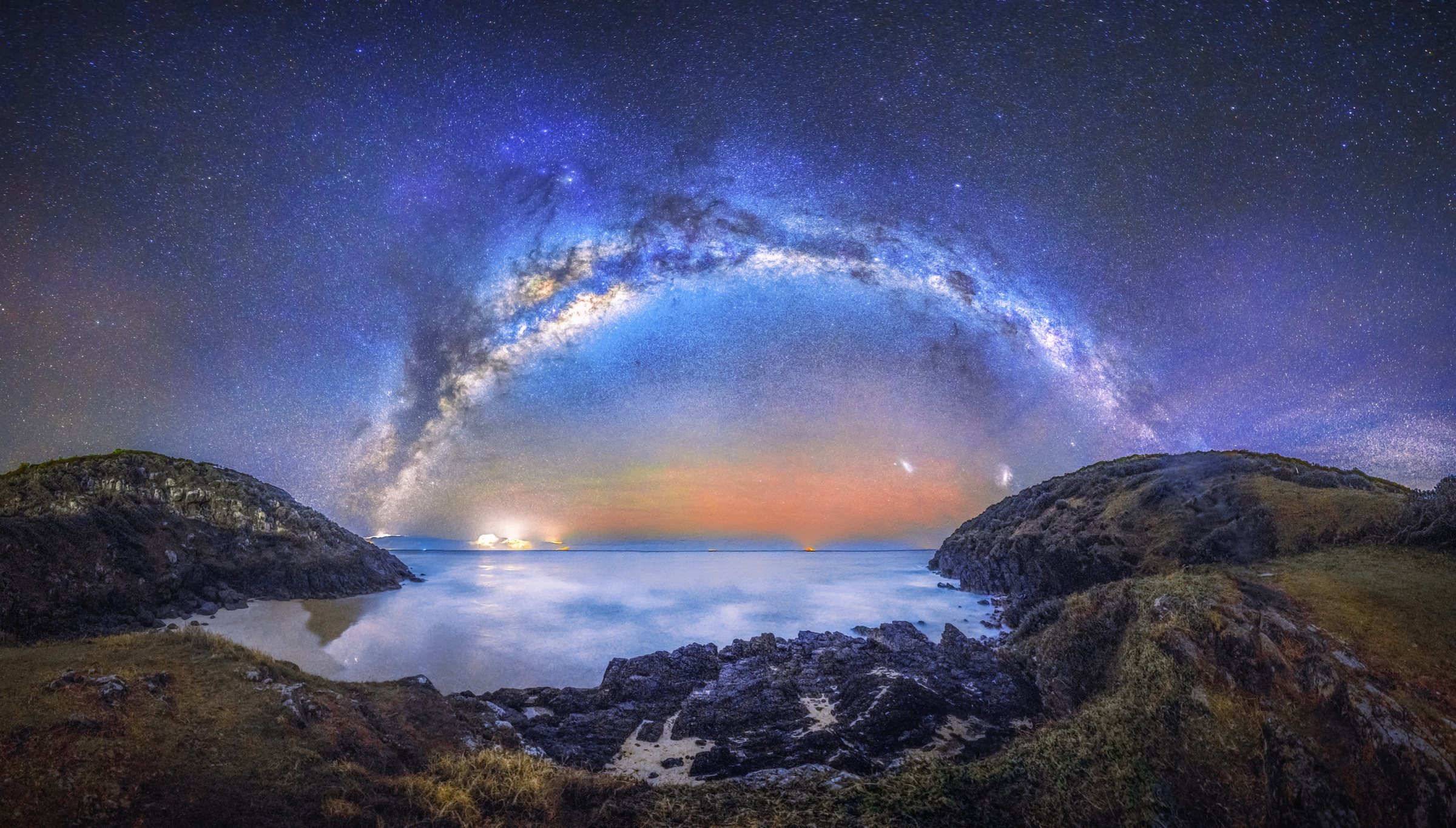
Panoramas, stitched for the stars.
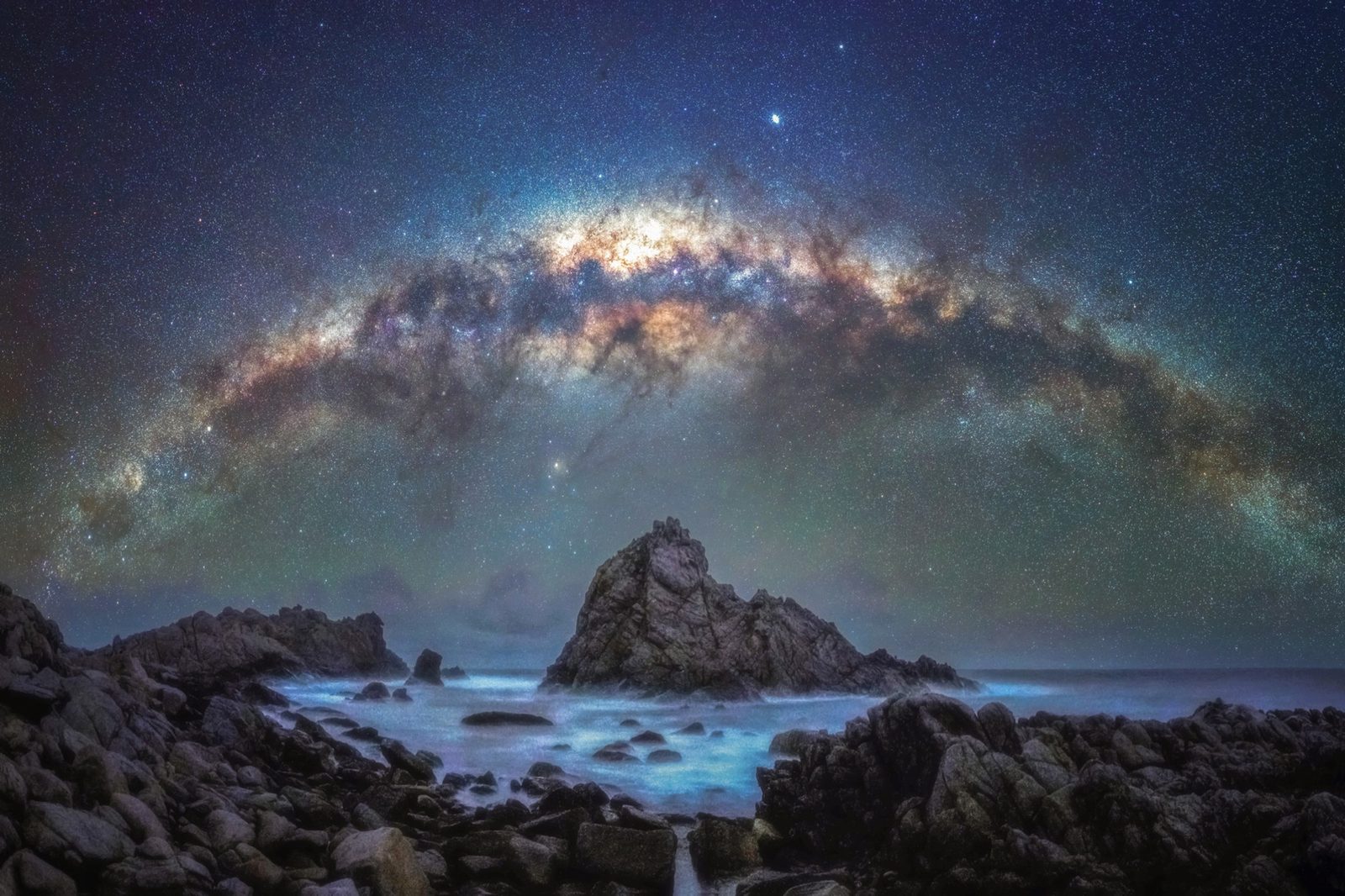
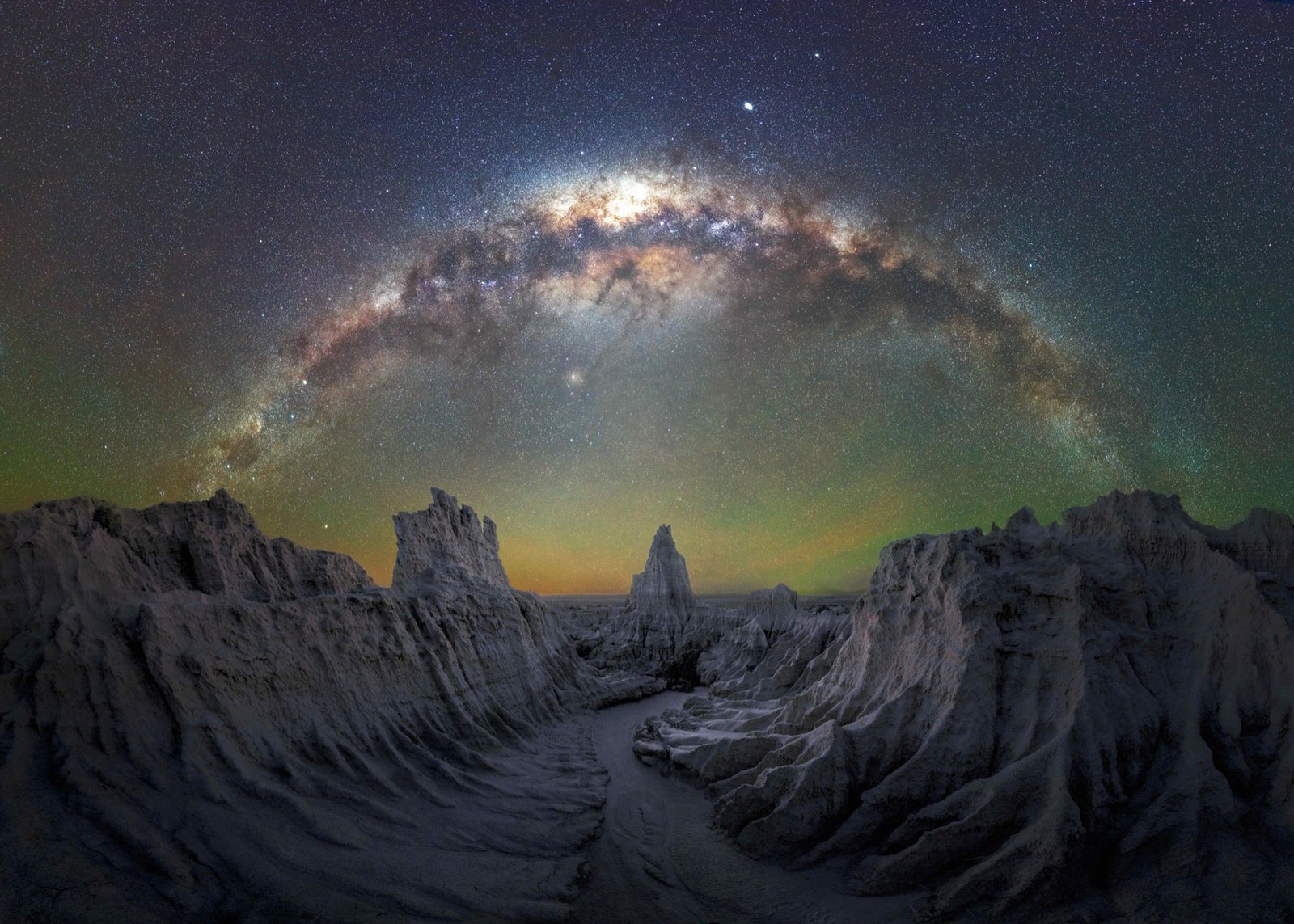
Thousands of near-identical stars can confuse ordinary stitching. Milky Way One is built for star fields, so the arch, the stars and the horizon line up.
 Separate frames
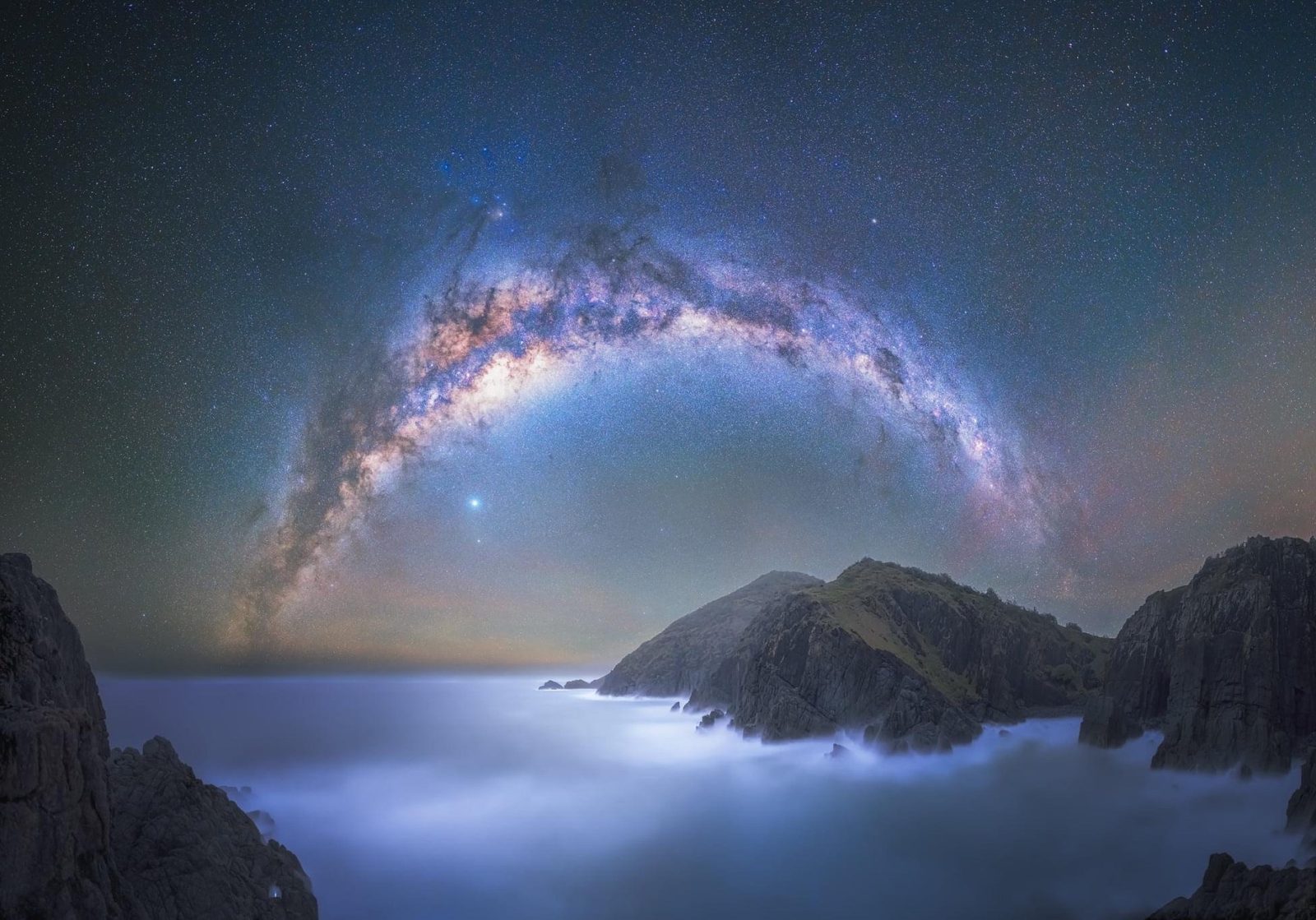
David's Milky Way arch panorama at Hat Head.
Stack away the noise.
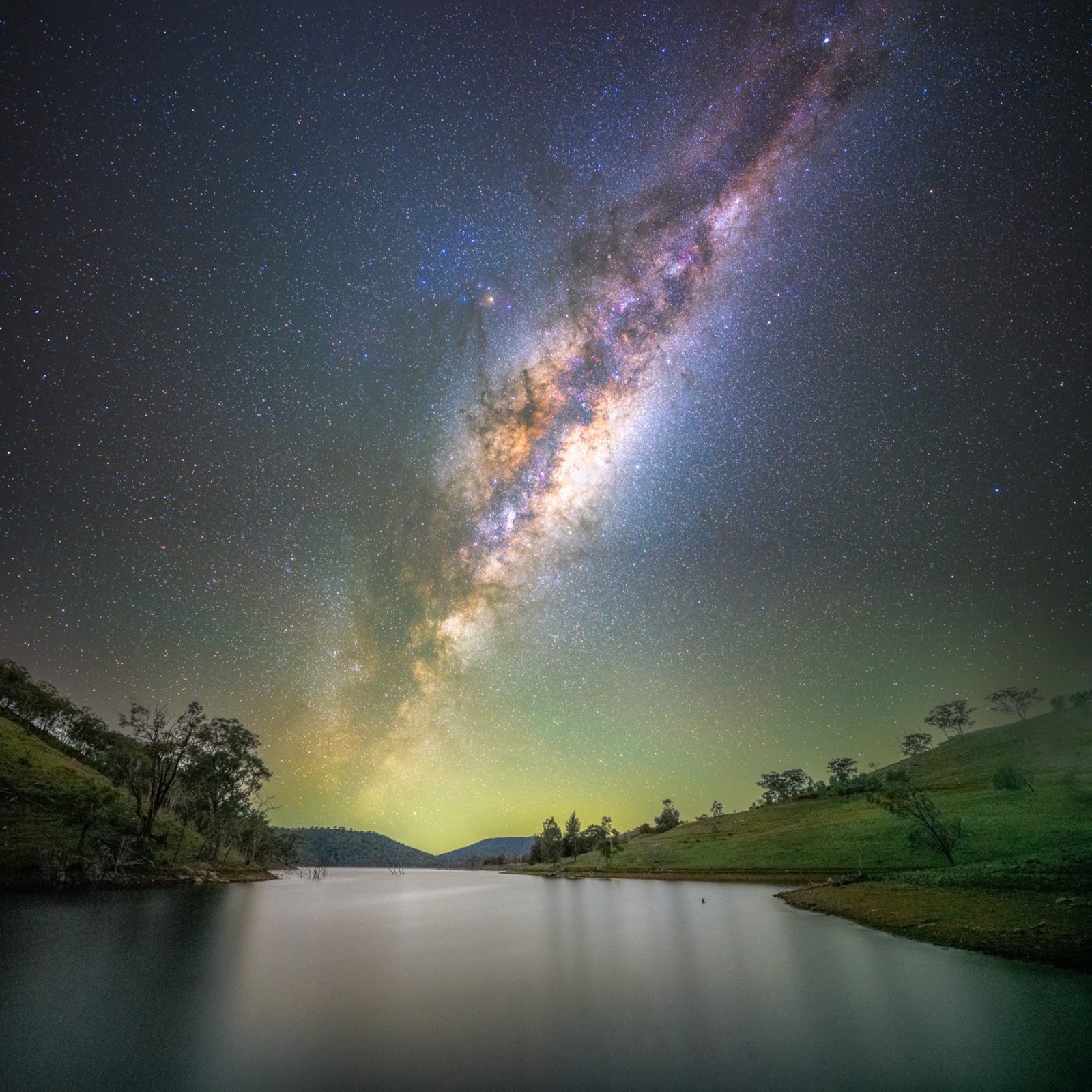
Shoot several frames of the same sky. Milky Way One combines them, so the grain falls away and the detail stays.
One frame at 100%. The grain hides the faint stars.
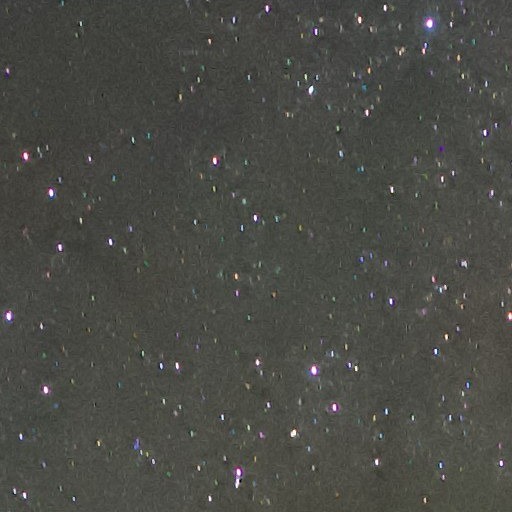
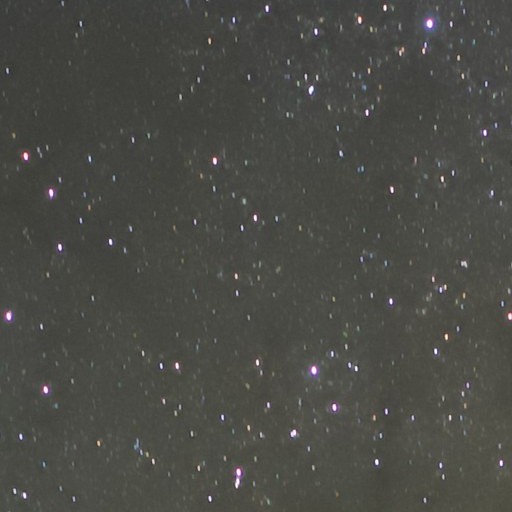
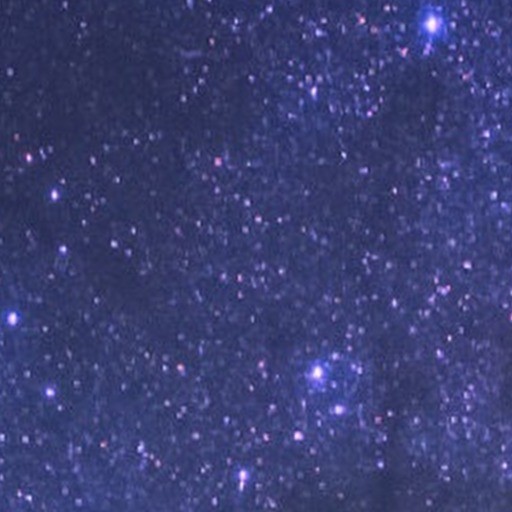 100% crop · Dangars Lagoon
A whole night. In motion.
Turn a night of frames into a smooth time-lapse, or blend them into star trails. Guided from the first frame to the export.
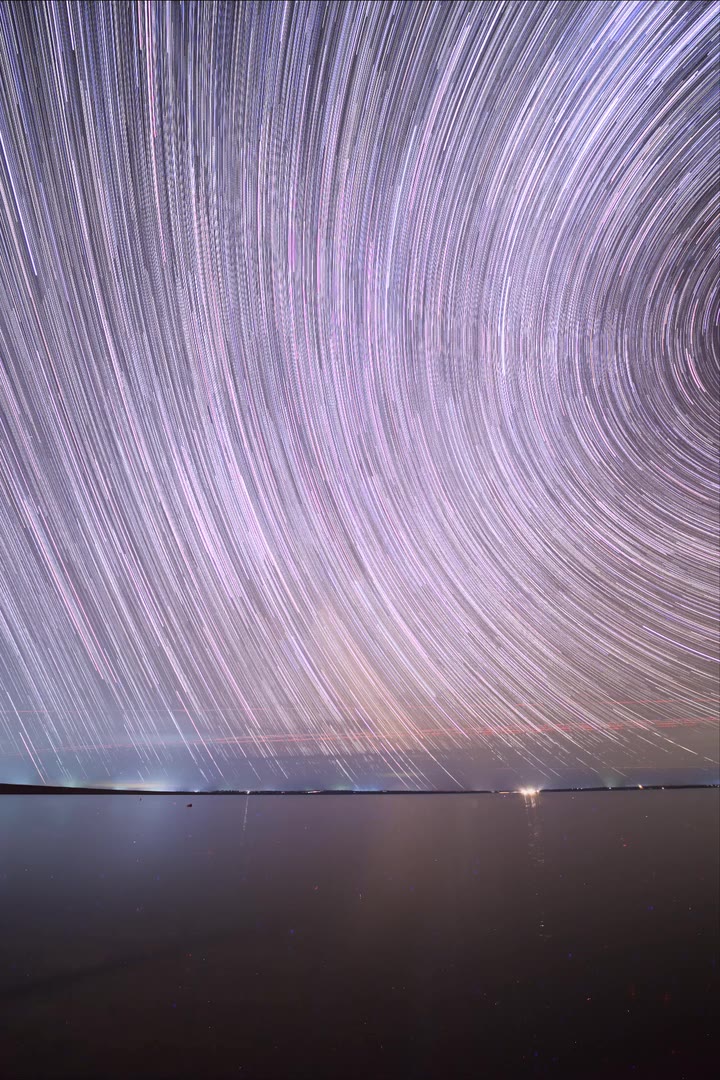 Finished
Plan it. Shoot it. Learn as you go.
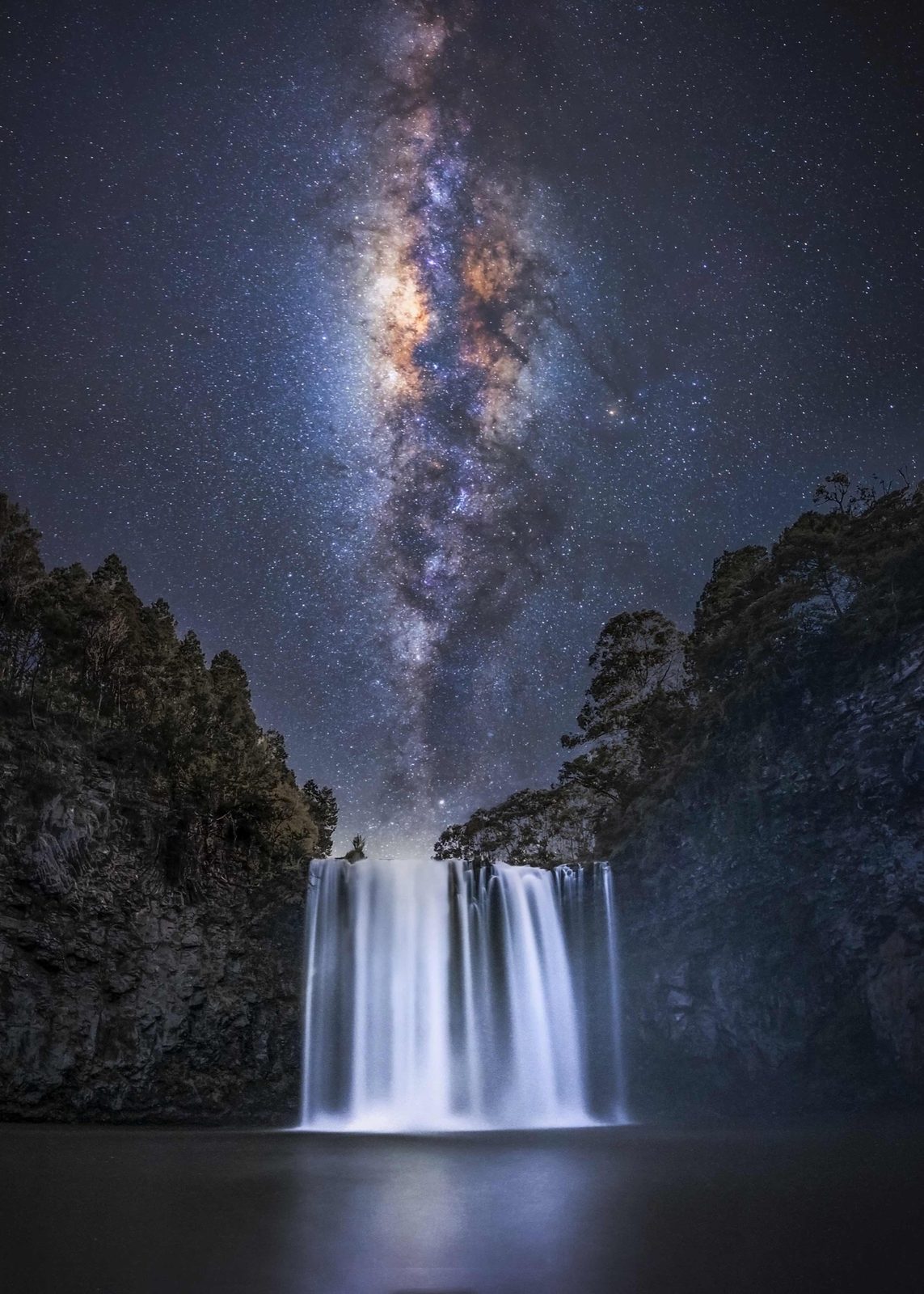
For years I needed five apps to finish one Milky Way photo. I wanted one click, and everything in one place. So I built it.
Questions, answered.
When can I get Milky Way One?
Founding access opens soon. Join the waitlist and David will email you the moment it's ready. The waitlist hears first.
What will it cost, and what will it run on?
It's a desktop app. Pricing and platforms will be announced at launch.
Do I need to be good at editing?
No. One click gives you a finished image. The guided steps then explain what changed and why, so you learn as you go.
Can I change what one click did?
Yes. Every step stays editable. Go back to any of them and change your mind, as often as you like.
Is it only for Milky Way photos?
It's made for night skies of all kinds: the Milky Way over lighthouses, structures, seascapes and trees, plus panoramas, stacking, time-lapse and star trails.
Are the planning tools free?
Yes. Astro Weather, the Night Planner and the rest of the free tools work right now in your browser, with no account.
Be first under the new sky.
Founding access to Milky Way One opens soon. Join the waitlist and David will let you know the moment it's ready.